
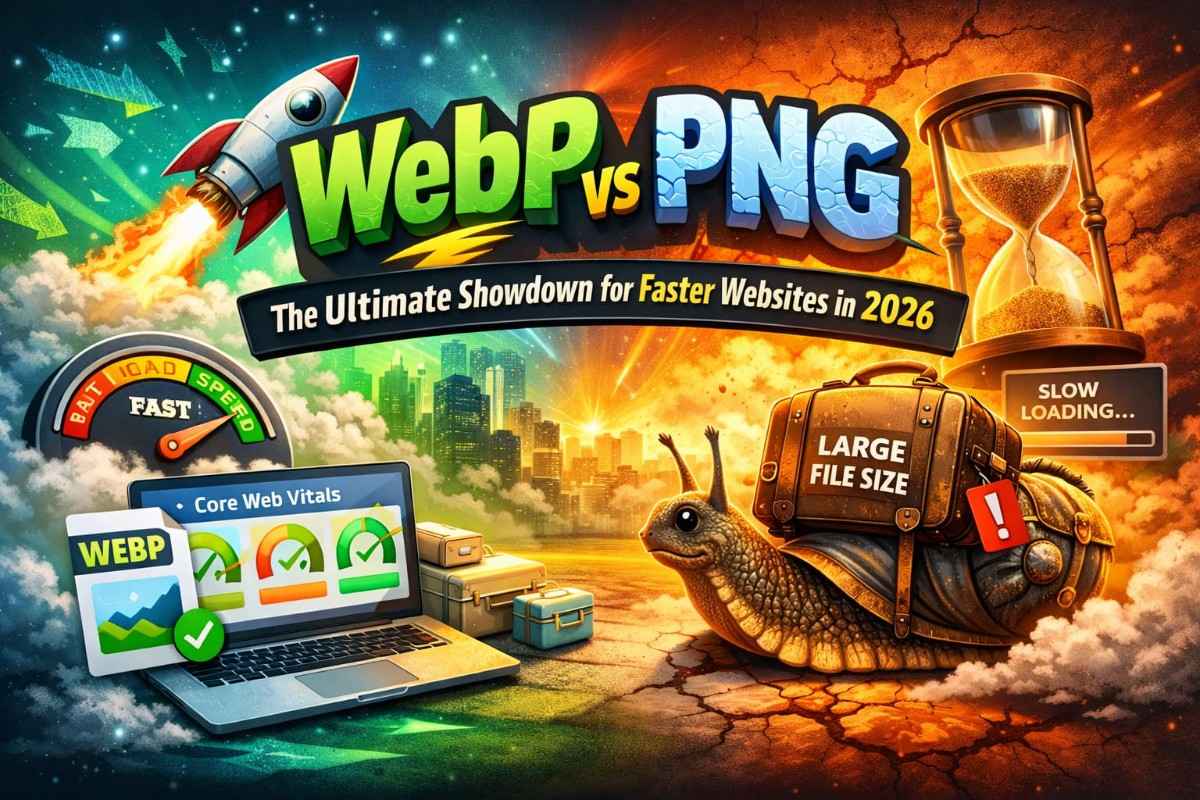
Not slightly impatient — tap-the-back-button-in-two-seconds impatient. In 2026, users expect websites to load instantly, and every extra second feels like waiting in a slow checkout line with melting ice cream. Images, more than almost anything else, decide whether your site feels fast or frustrating.
Here’s the twist many beginners miss: image formats aren’t just a design decision. They directly affect Core Web Vitals, Google’s performance metrics that influence search rankings. Choosing the wrong format is like packing bricks in your luggage before a race — technically allowed, but painfully slow.
And this is where the WebP vs PNG debate gets interesting.
What is PNG? The King of Quality (and Why It’s Getting Heavy)
PNG has been the internet’s reliable workhorse for decades. Designers love it, developers trust it, and for a long time, it was the best choice when quality mattered.
Why PNG became popular:
- Lossless compression — no quality degradation.
- Perfect transparency support — ideal for logos and UI elements.
- Sharp edges and clean graphics — great for illustrations and text-based images.
Think of PNG like a luxury suitcase packed perfectly. Everything looks pristine when you arrive.
The problem? That suitcase is heavy.
PNG files tend to be large because they preserve every pixel detail. In the early internet era, that wasn’t a deal-breaker. But today, with mobile-first indexing and performance-driven rankings, large images slow down:
- Page load time
- Largest Contentful Paint (LCP)
- Overall user experience
In Core Web Vitals terms, heavy PNGs can quietly sabotage your performance score.
PNG hasn’t become bad — it’s just no longer efficient for modern speed expectations.
What is WebP? The Modern Challenger (Google’s Favorite)
Enter WebP — Google’s answer to bloated image sizes.
WebP was designed with one clear goal: reduce file size without noticeably reducing quality. It combines the strengths of older formats and trims the excess weight.
What makes WebP special:
- Smaller file sizes (often 25–35% smaller than PNG)
- Supports transparency
- Supports both lossy and lossless compression
- Faster loading on modern browsers
If PNG is a luxury suitcase, WebP is a vacuum-packed travel bag. Same clothes, less space.
And Google loves it — not because it’s new, but because it improves performance metrics that matter for search rankings.
The Comparison: WebP vs PNG Side by Side
Let’s break this down in practical terms.
1. Loading Speed
- PNG: Larger file sizes mean slower loading, especially on mobile networks.
- WebP: Smaller files reduce server requests and improve load speed.
Winner: WebP
2. Quality Loss
- PNG: Lossless by default. Maximum quality preserved.
- WebP: Minimal quality loss in most cases; often invisible to users.
Winner: PNG (technically) — but WebP wins in real-world usage.
3. Transparency
- PNG: Industry standard for transparency.
- WebP: Fully supports transparency with smaller sizes.
Winner: Tie
4. Core Web Vitals Impact
- PNG: Can increase LCP and slow page rendering.
- WebP: Helps improve LCP and overall performance scores.
Winner: WebP
In short, PNG wins on purity; WebP wins on performance.
When to Use Which? A Simple Decision Matrix
Not every image should be converted blindly. Here’s a practical way to decide:
Use WebP when:
- Images are large or full-width
- You care about page speed
- You run blogs, eCommerce, or content-heavy sites
- SEO performance matters
Use PNG when:
- You need pixel-perfect graphics
- Editing will continue frequently
- The image contains sharp text or diagrams
- File size is already small
A good rule of thumb: serve WebP to visitors, keep PNG as your master file.
The Solution: Switching Without Losing Quality
The biggest hesitation people have is simple: What if my images lose quality?
The answer is smarter conversion, not aggressive compression.
For bloggers, designers, and developers dealing with older PNG libraries, using a simple conversion workflow makes the transition painless. Tools like webptopngconverterfree.com make this especially easy because they allow instant conversion between PNG and WebP formats without complicated settings or software installation.
This is useful when:
- Migrating legacy PNG images to WebP for faster loading
- Converting WebP back to PNG for editing or design work
- Testing quality differences before publishing
Instead of rebuilding your media library from scratch, you can gradually optimize images while maintaining visual consistency.
Think of it as upgrading your engine without replacing the entire car.
Final Thoughts: Speed Wins in 2026
The WebP vs PNG debate isn’t really about which format is better. It’s about context.
PNG still has a place — especially in design workflows. But for live websites competing for attention and rankings, WebP aligns better with how the modern web works: fast, mobile-first, and performance-driven.
In 2026, speed isn’t just a technical advantage. It’s a user expectation.
And sometimes, the easiest SEO improvement isn’t writing more content — it’s simply making your images lighter.